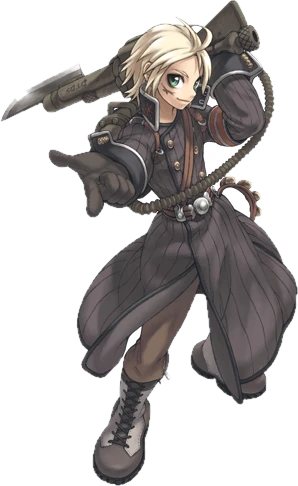
A young adventurer with a steam cannon on the deck of an airship

The AegisRO2 alpha

What’s in AegisRO2 now

Fight invasions, follow new stories and explore on Windows, Mac, Android or Steam Deck.

Fight your way

Playing

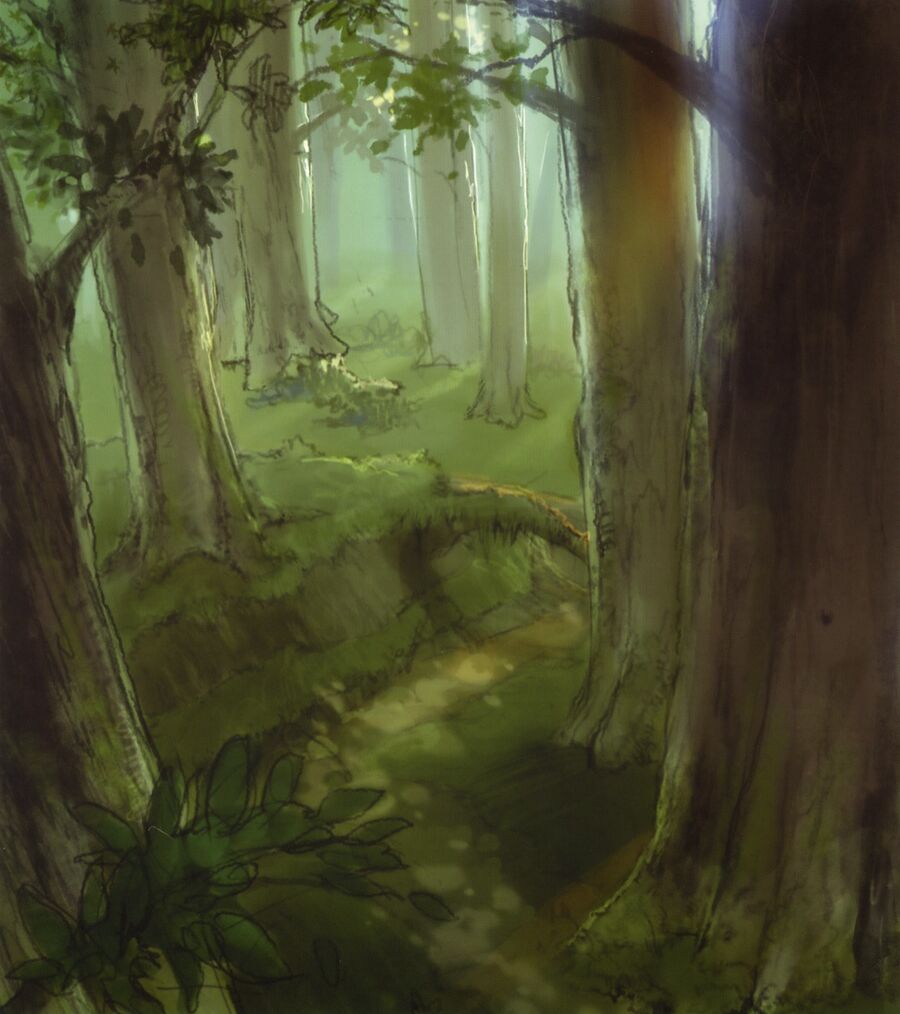
Original concept art of Alfheim Forest
Alfheim Forest, from the original concept art.

Invasions with real rewards

Monsters attack the field maps in waves. Follow the ring on the ground or your minimap and fight together for 10 minutes. Inside the ring, a panel shows the waves, the time left and everyone’s shared progress. Fill the bar to win.

Your points earn Bronze, Silver or Gold. Rewards include EXP, job EXP, Zeny and armour or an accessory for your job. Bronze gives a green item, Silver a blue one and Gold a purple one. If your bag is full, your reward arrives by mail.

Deal damage yourself and stay inside the ring for at least a quarter of the invasion. Rewards go up to five levels above its range. Higher-level players can help, but receive no reward. Read the invasion news for the seven invasions and their levels.
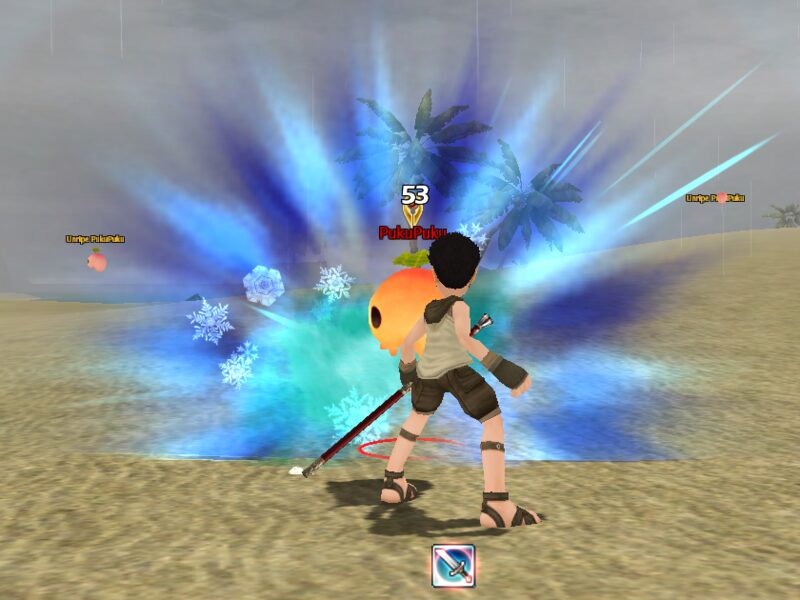
An Enchanter's Frost Diver bursting into ice around a monster
Frost Diver
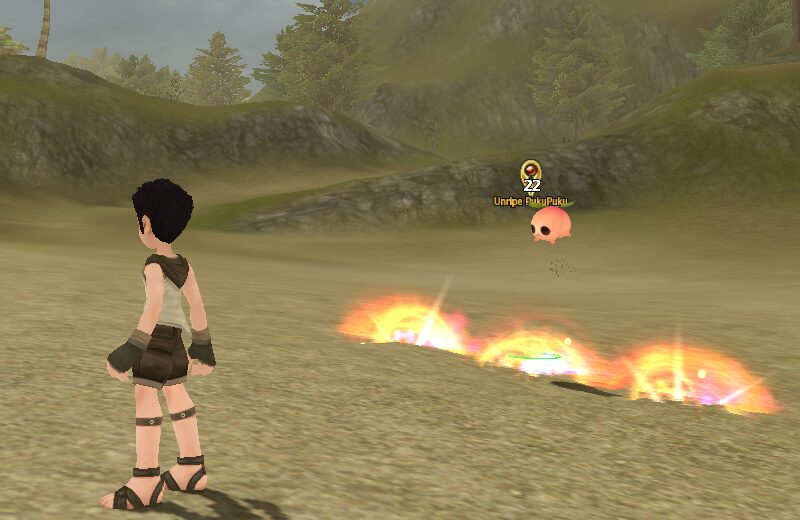
A Fire Wall burning on the ground in front of an approaching monster
Fire Wall

Skills with a style of their own

Swordsmen can chain Bash, Whirlwind and Fatal Blow, then spend LP on Blade Burst. Recruits load elemental rounds and throw grenades. Thieves can coat their weapons in poison and strike from behind with Back Stab. Enchanters cast spells, while Acolytes heal and support their party.

The Pukui family of monsters
The Pukui family, from the original game.

New monsters with their own style

Zombie, Skeleton, Soldier Skeleton, Peco Peco and Baphomet Jr. have their own looks, moves and sounds. For now they only appear when a GM calls them.

A later update added 27 new monsters, new items and cards with their powers. Read the five-monster announcement and the later update.

A Swordman with a big sword

Weapons and refining

Weapons have their own attack stats instead of growing through weapon experience. Weapon Merchants stock weapons for your current job, and monsters drop them too. A smith can refine the weapon in your hand using ores you buy or find. A refine can fail.

Make it yours

Characters

Novice
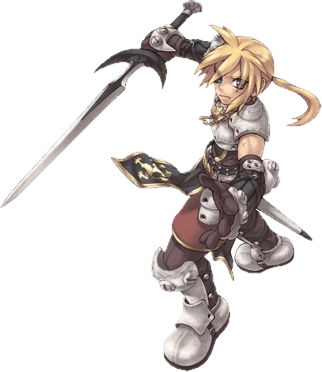
Swordsman
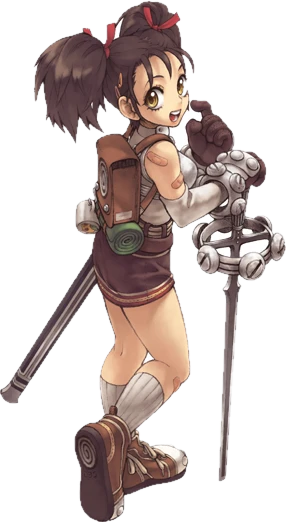
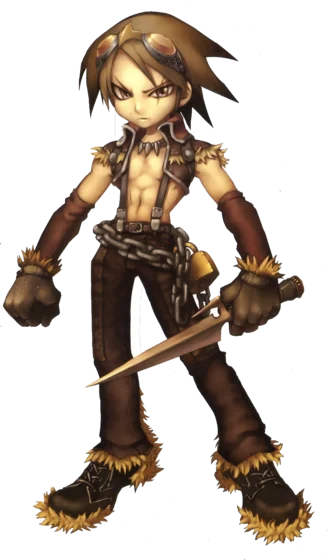
Thief
Recruit
Acolyte
Enchanter

One character, every job

Play Novice, Swordsman, Thief, Recruit, Acolyte and Enchanter on one character. Switch between unlocked jobs outside a fight through your weapon or the Jobs window. Each job keeps its own progress, so you can return to a job and carry on where you left off.

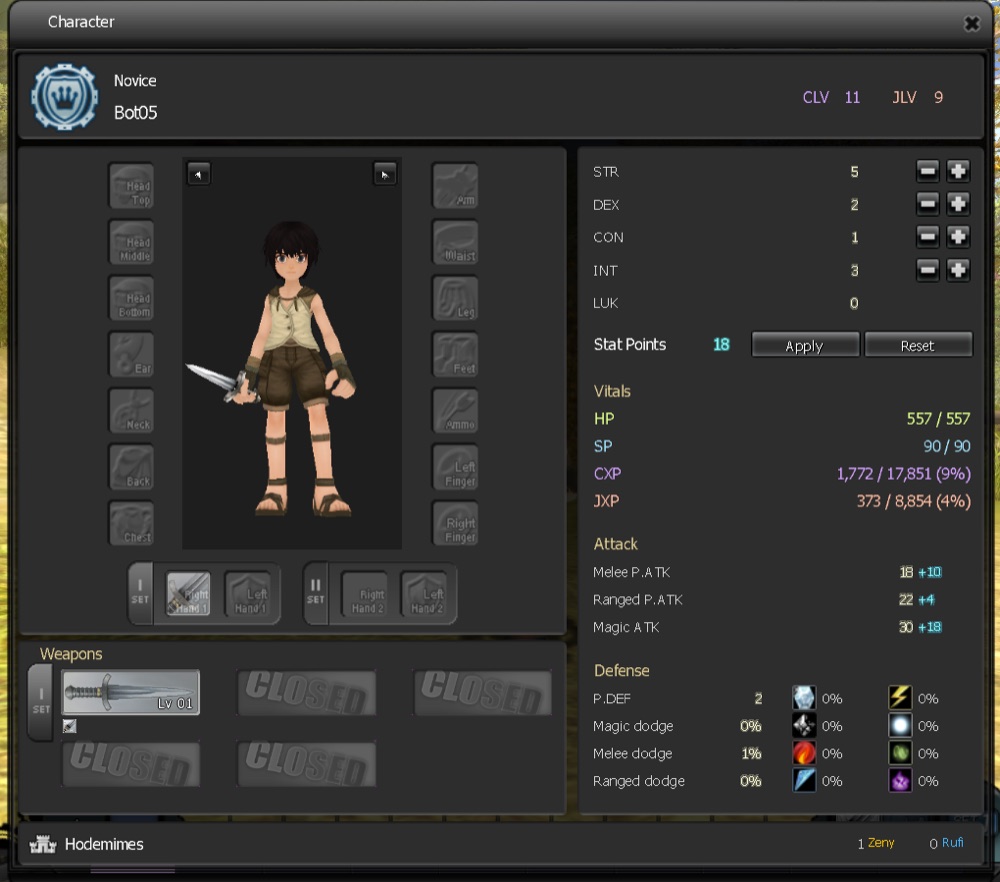
The Character window with stats, vitals and attack values

Build your stats and skills

The classic stat system lets you spend points on STR, AGI, VIT, INT, DEX and LUK. A new character starts with 48 stat points. Each new job level gives one skill point for that job. Open the Skills window to choose which skills to learn or improve.

Rare
Extra rare
Epic
Legendary

Gear with rarity colours

A dropped item’s name colour shows its rarity: grey Normal, green Rare, blue Extra rare, purple Epic or gold Legendary. Higher rarities carry extra bonuses, and newly dropped bonuses follow the item’s level. Armour gets stronger as its level rises, and most armour and accessories can be worn by every job.

Boss Pukui monster artwork
Boss Pukui, from the original game artwork.

Monster cards

New monster cards bring powers of their own alongside new items and monsters. Read the update that introduced them.

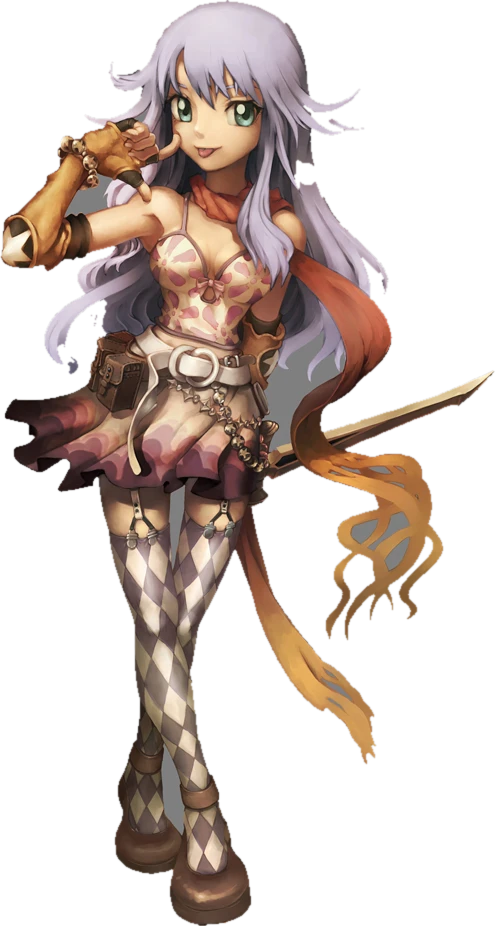
An adventurer in a colourful outfit

A wardrobe of looks

Finding, buying or receiving gear unlocks its look for that character. Open Transmog from the top bar to preview a look before applying it to the same kind of item. Your chosen looks also appear on the character selection screen.

Go exploring

World

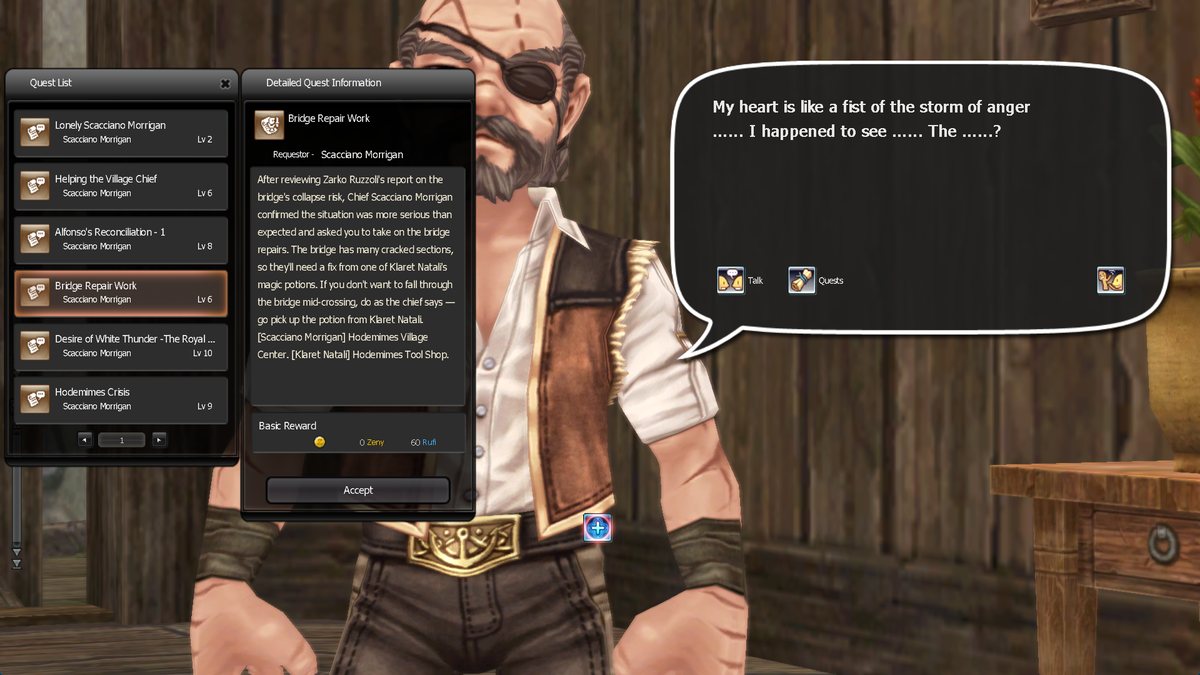
The in-game Quest Log

62 new quests and bigger stories

Alfheim and Poro Island have 62 new quests. Look for the new quest board beside Migo Alfred in Alfheim town.

Cognito now has 51 quests across 13 storylines. Prontera’s side quests also tell bigger stories with fewer errands. You can finish an old quest the old way if you already started it.

The main story continues through chapters 2 to 17, with new scenes and a ship journey to Prontera. Quests in Hodemimes, Prontera and Cognito give more EXP. Read the quest update or explore The Story.

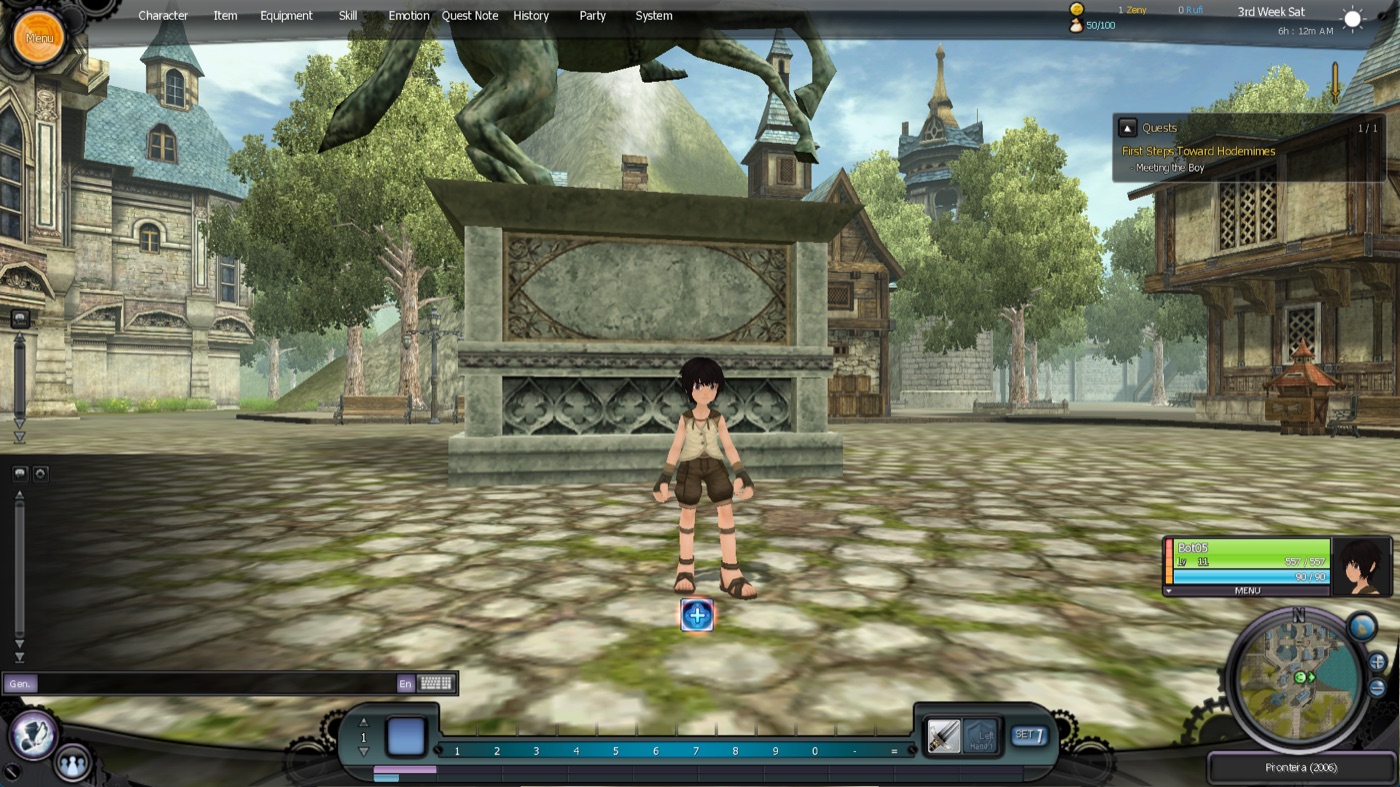
Prontera as it was in December 2006

The 2006 world

The Old Maps Guide takes you to the restored December 2006 maps and back, and portals connect the old maps to one another. Find the guide beside Redick Dass in the Adventurer Training Ground. In Video settings, choose the 2006 textures, music, glow and camera.

Curious where the story goes? Read The Story.

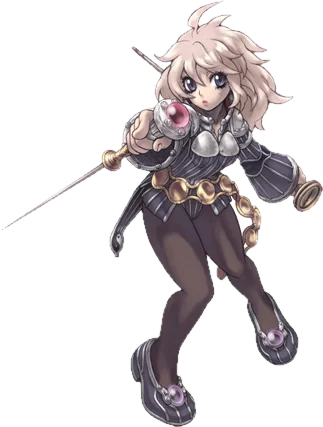
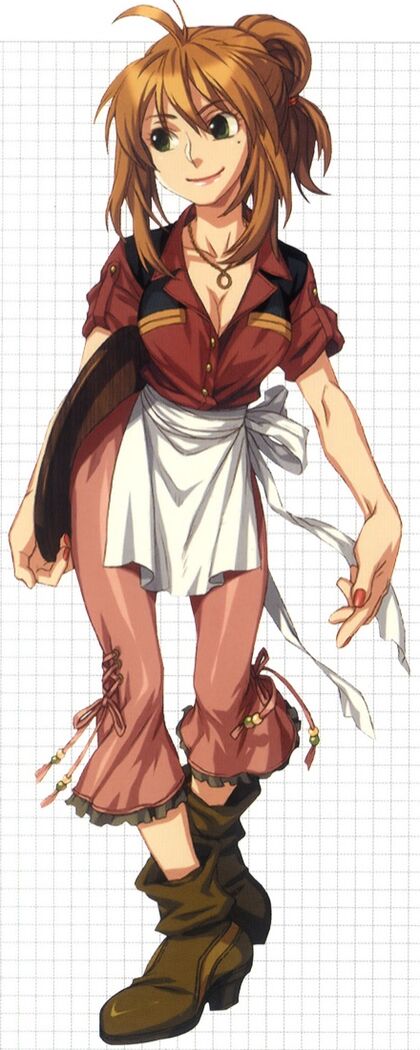
Original concept art of Regina Salisbury
Regina Salisbury, from the original concept art.

Ride a Peco Peco

You can now ride a Peco Peco. The mount arrived alongside new story chapters, monsters and gear in this update.

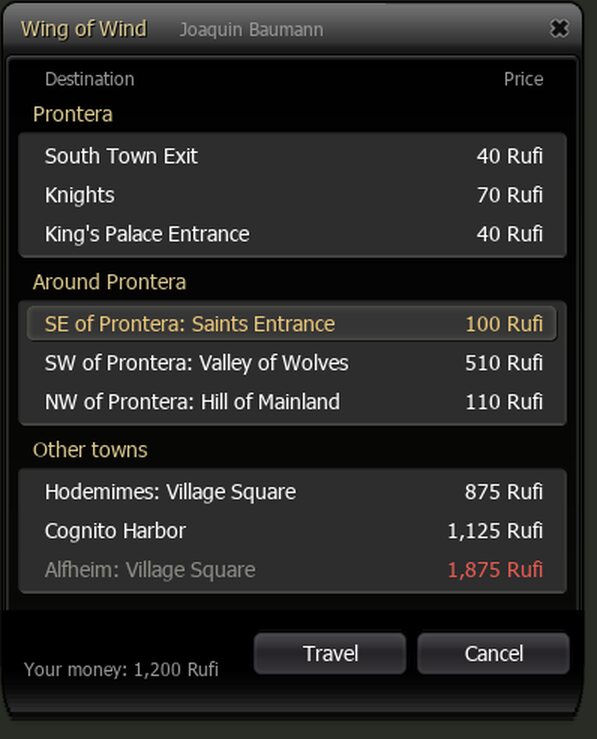
The Wing of Wind travel window listing places in Prontera, around it and in other towns, with prices

Wing of Wind travel

Talk to a Wing of Wind soldier in town, press the winged boot and pick where to go. The travel window lists places in that town, the fields around it and other towns. Each trip shows its price, and trips you cannot afford are greyed out. The window works with a mouse or controller.

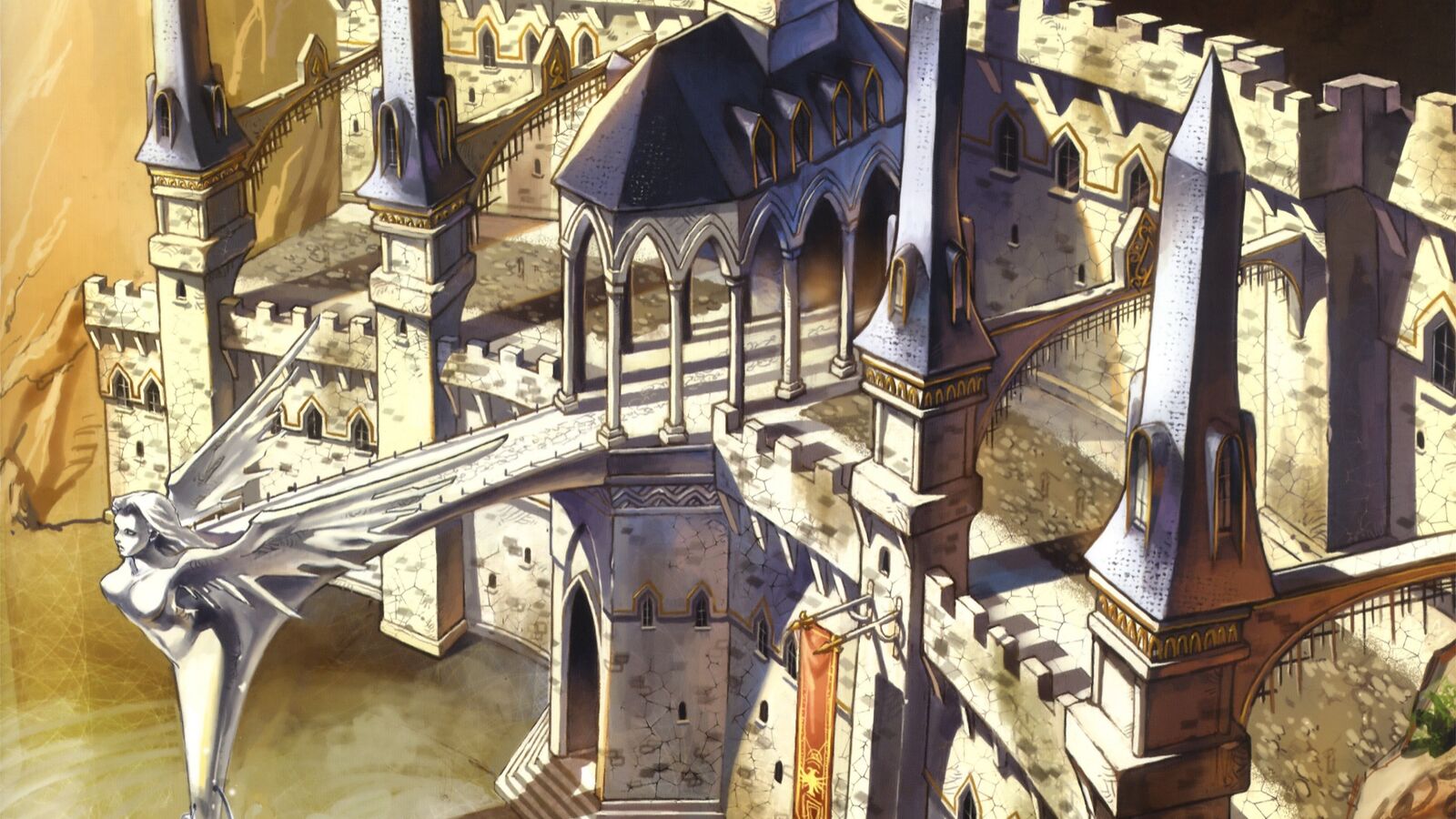
Original concept art of Prontera Castle
Prontera Castle, from the original concept art.

New lighting and shadows

The sun and moon cast shadows from trees, bushes, houses and fences. At night, street lamps, lanterns and windows light up the ground and nearby people.

The new lighting is on by default. You can turn it off in Video settings under Improved lighting. Read about the lighting update and the shadow improvements.

Smooth and simple

Client & launcher

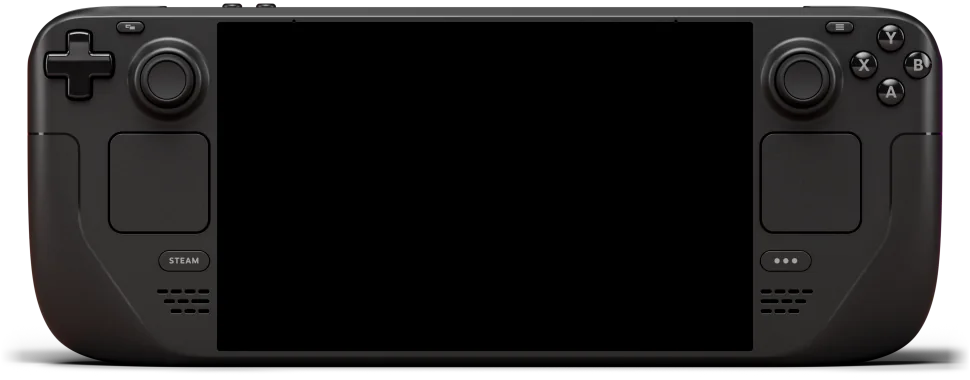
A Steam Deck handheld

Windows, Mac, Android and Steam Deck

Play on Windows, on an Apple Silicon Mac, on an Android phone or on Steam Deck. The Mac and Android versions use the same server, login and characters.

On Mac, you need an M1 or newer with macOS 26 or newer. Download AegisRO2 for Mac from your personal status page and drag it into Applications. For the first launch, follow the Mac installation instructions. Some trees are not drawn yet, and Mac updates can arrive a little later than Windows updates.

On Android, you need 64-bit Android and Vulkan 1.3. You can play with touch controls or a controller. Open your personal status page on your phone and tap Download for Android. Allow your browser to install the app for this install. Sign in to the launcher, let it download the game and press PLAY. See the Android announcement.

Steam Deck uses Proton. Follow the Steam Deck and Mac guide to get started.

Original concept art of a girl with long blond hair in front of an old carved tree
An encounter, from the original concept art.

Smoother play in 64-bit

The game now uses a 64-bit client, removing the old memory limit and the stutter when opening your bag. Effects are prepared during the map loading screen, and loading pictures change between trips. Optional HD textures can be switched on in Video settings. The Windows client needs 64-bit Windows. The launcher supplies the update; see the platforms above for Mac, Android and Steam Deck.

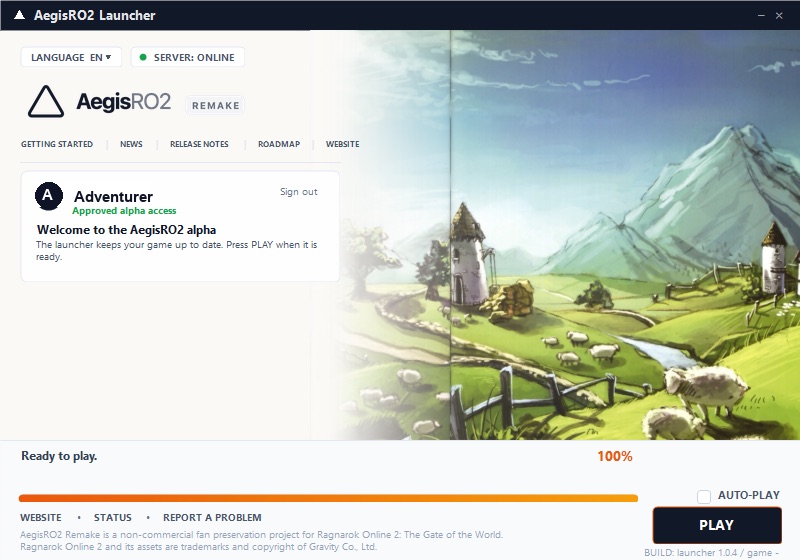
The AegisRO2 launcher, ready to play

One sign-in, two languages

The launcher downloads and updates your game. Sign in once, press PLAY and go straight to the server list without signing in again. Choose English or Korean in the game options; changing the language shows a loading screen and keeps you logged in.

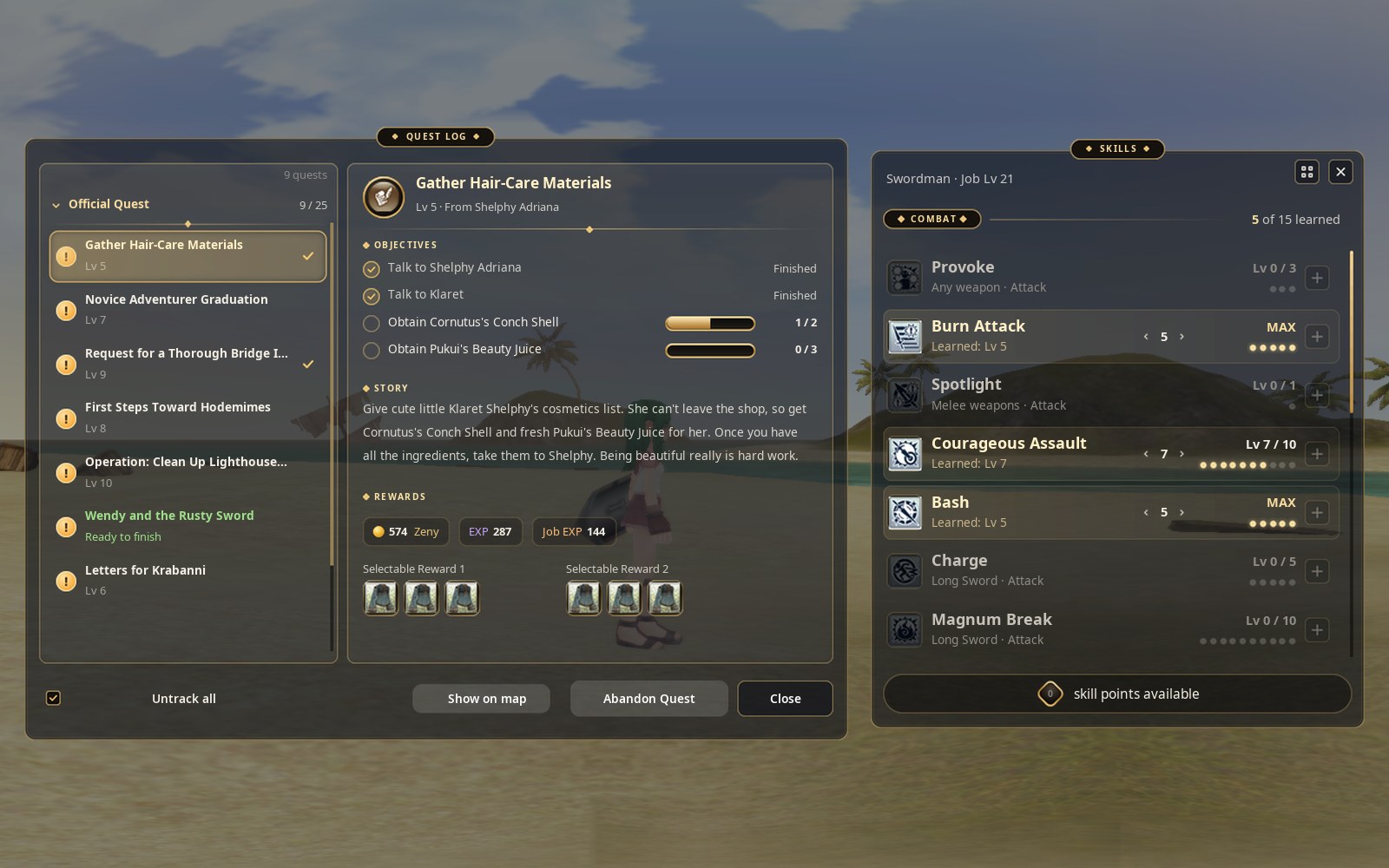
The new Quest Log and Skills windows side by side, with glass panels and gold edges
The Quest Log and the Skills window.

Glass windows and easier reading

Game windows now have clear glass and gold edges. Text is sharper and bigger. The Skills window and Quest Log are easier to read, and every skill tooltip shows a table of all its levels with your own level in gold.

The Create Character screen keeps your character in view between two panels. Choose your hair, colours, eyebrows and eyes on the left, then your race, name and weapon on the right. Read about the new windows and the new character screen.

A Steam Deck

Play with a controller

Enable “Use a game controller” in Game settings. Move with the left stick and turn the camera with the right. Hold L2 or R2 for the cross hotbar, and use the D-pad to move through open windows. On Steam Deck, pressing A on a text field opens the on-screen keyboard.

Play together

Community

The Pukui family of monsters, from Pukupuku to Boss Pukui

A Wiki and a way to help

The player Wiki covers jobs, skills, quests, maps, items and monsters. If something goes wrong, choose “Report a bug” in the game’s System menu; it sends your report with your character, map and position. You can follow your reports and our replies in My account.

Step into the alpha

Request access to join, or read the latest news to see what has changed.

Request access Latest news